Optimize your LinkedIn profile with CXL certificates.
Did you know CXL is an authorized education provider on LinkedIn?
Our students earn blockchain verified certificates for completing minidegrees
and most courses on the Institute. You’ll get a unique dashboard where you can
quickly add and share your certificates to LinkedIn.
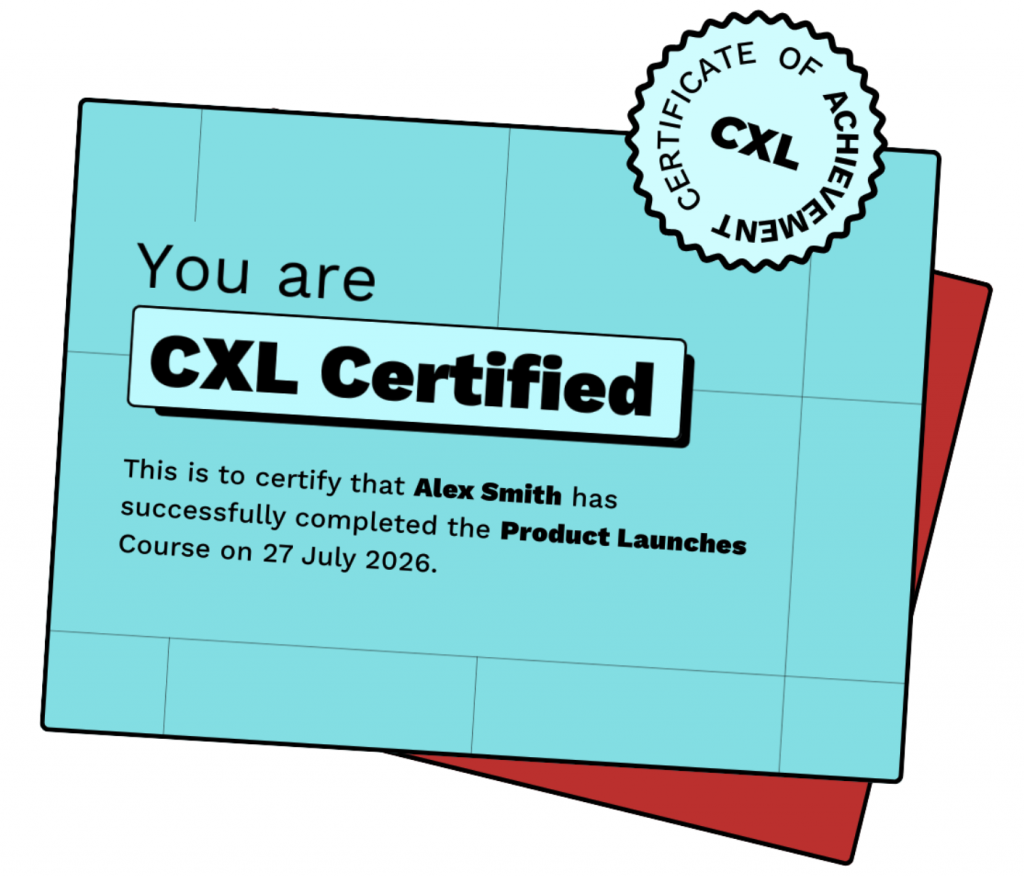
Show off your hard-earned skills and strengthen your profile
LinkedIn is easily the largest professional network in the world with more than 700 million users.
But it’s not enough to just have a LinkedIn page, you need a great one, especially if you’re looking for new opportunities.
CXL certificates are a valuable way to validate your marketing skills and showcase your expertise to potential employers and peers. Our certificates are well-respected in the industry and can be easily added to your LinkedIn profile to strengthen your professional presence.
Worried about finding a growth marketing position in your neck of the woods? Potential employers can see where Institute alumni live and what industry they work in on the Alumni section of our School page.
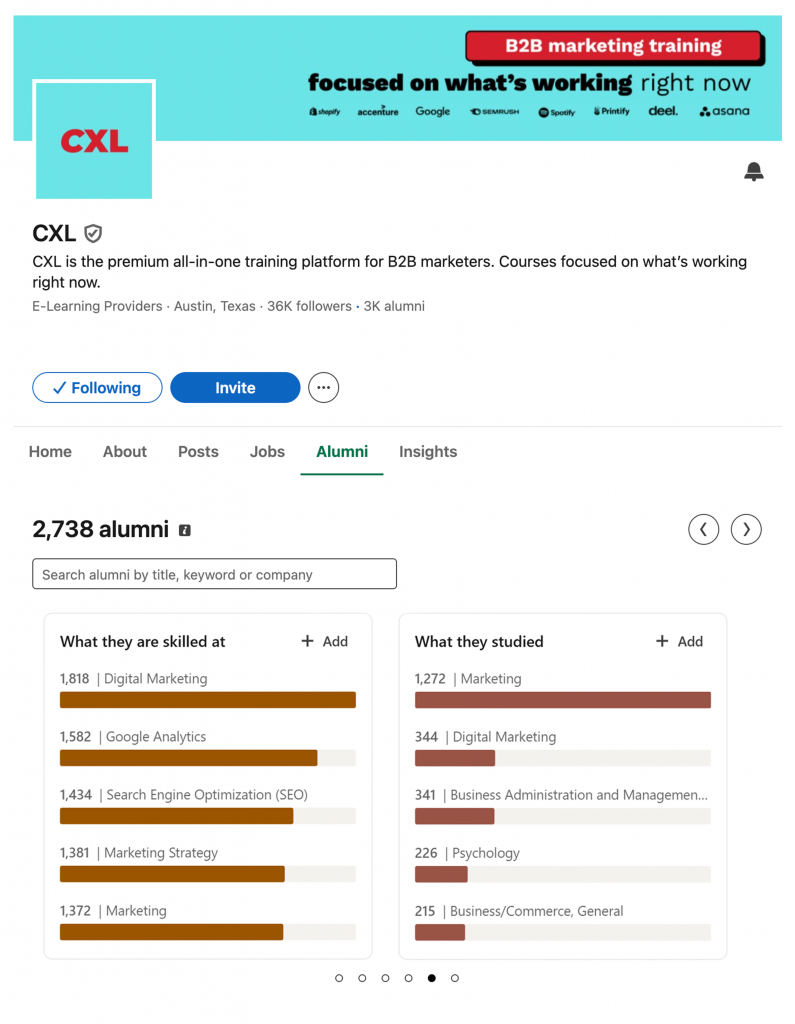
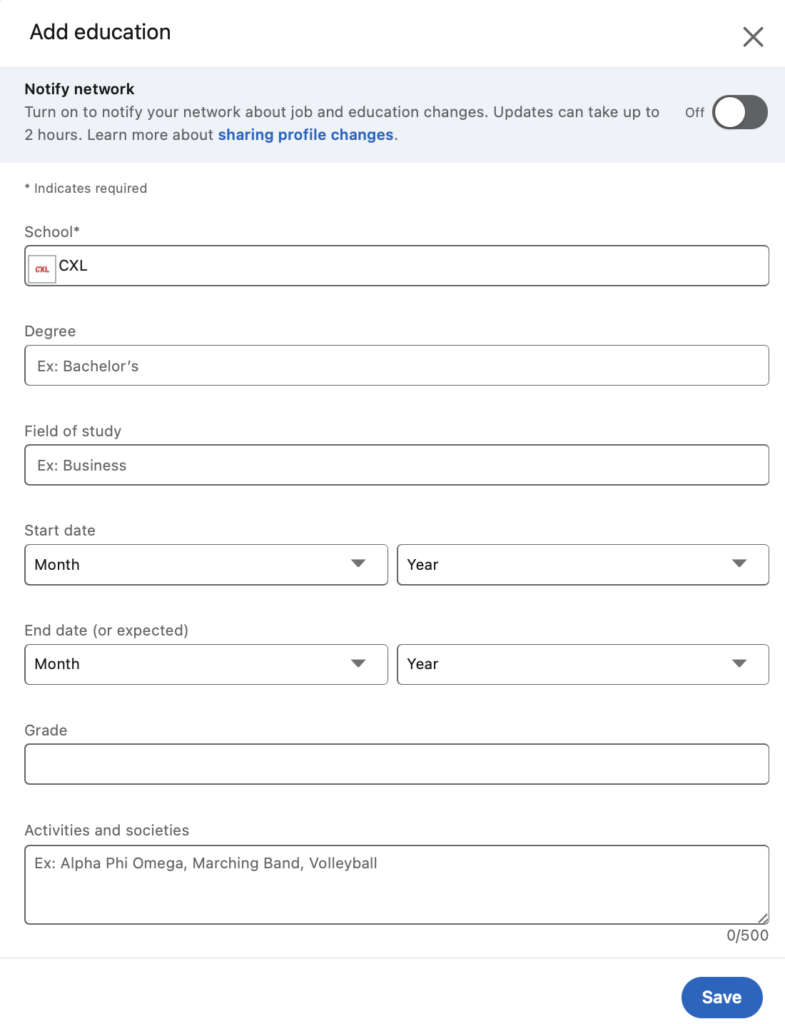
To become part of the Alumni program, do the following:
- Click open “Education” on your profile
- Add “CXL” and your starting date
- Save and you are automatically added to the CXL Alumni network.
How to Earn a CXL Certificate
You will receive a certificate upon successfully completing any CXL course or minidegree. To earn the certificate, follow these steps:
- Complete all lessons: Ensure you’ve gone through every lesson in the course and marked them complete.
- Pass the final exam (if applicable): Achieve a minimum score of 90% on the final exam.
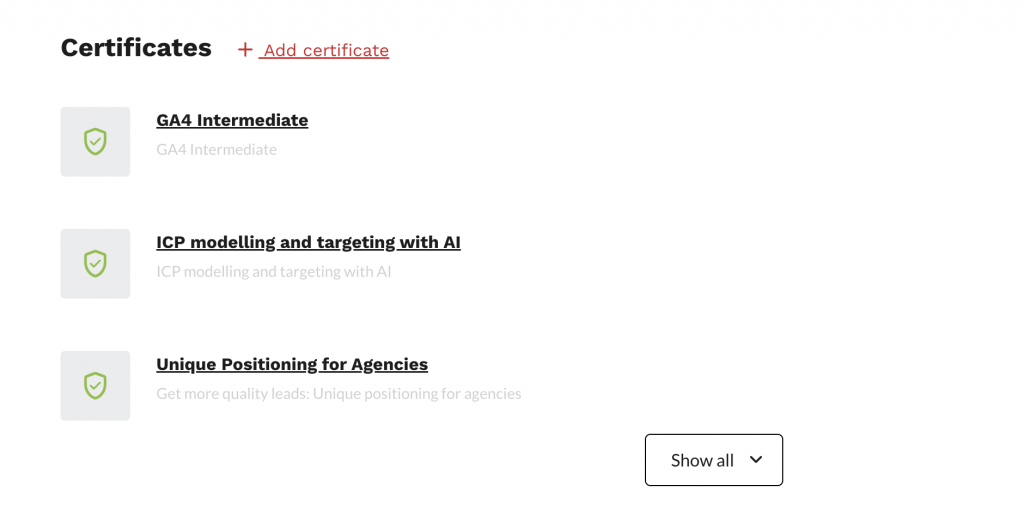
Where to find your certificates
Once you’ve met the completion criteria, your certificate will be uploaded on your View profile > Certificates to keep a record of your achievements. The section will display all the certificates you have earned.
How to add your certificate to your LinkedIn profile
When you complete a course, you will receive a certification email.
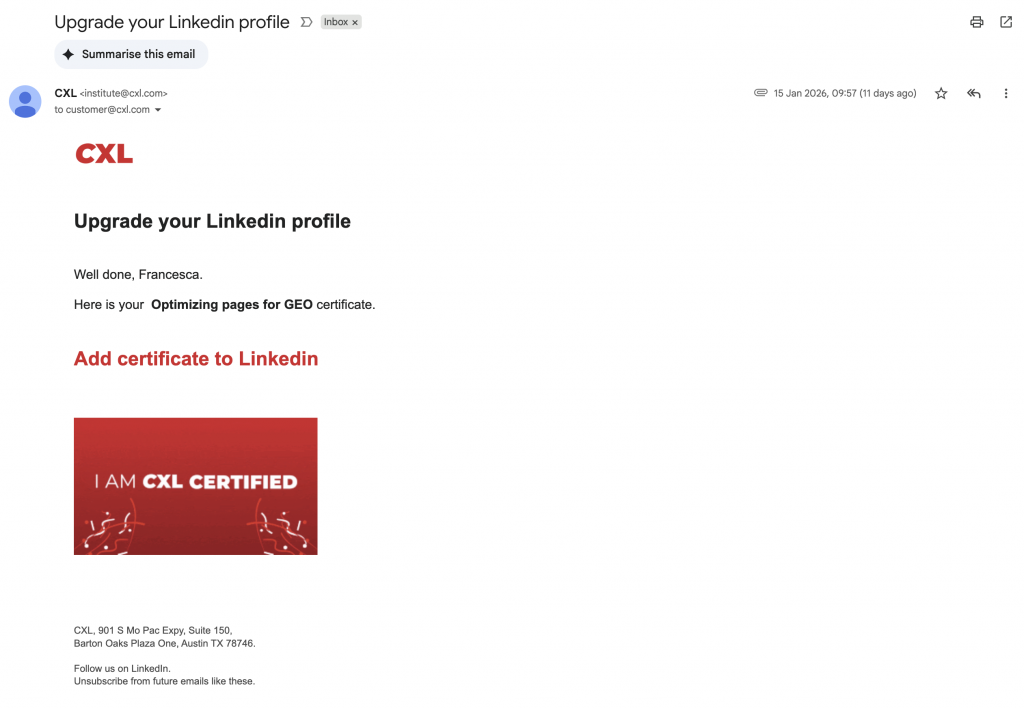
Follow these steps to add the certificate to your LinkedIn profile:
- In the email, click Add certificate to LinkedIn.
- If prompted, log in to LinkedIn.
- If you are already logged in, a new window titled Add license or certification will open.
- The certificate name and issuing organization will fill in automatically.
- Update the issue date.
- For added credibility, click Add media and upload the certificate PDF.
- Click Save.
Any questions? Send us a chat message or an email to [email protected]