AI native marketing | One-week sprint, day 3: Marketing insight and reporting agent
Get the weekly read without five dashboards or an analyst.
A weekly brief that starts with business revenue, uses GA4 to show where demand comes from, and adds ads and email capture: what changed, what supports it, what to check next.
- Reconcile one revenue number against its source before anything gets reported
- See which sources and landing pages moved, in GA4
- Keep facts, hypotheses and missing data apart in every brief
- Label a run incomplete when a source fails, instead of sending stale numbers
- Replaces: The weekly report you build by hand, and the analyst who explains it.
Sprint day 3: Thursday, 12 November 2026 | 4 PM CET / 9 AM CST / 3 PM UTC | 90 minutes
Included in a CXL annual subscription, with 3 months community access.
Trusted by marketers at


Your live instructor and reporting expert

4x’d efficiency & leads CXL’s growth, experimentation & product. Trained 25k+ marketers with 80+ courses, 4000+ blogs & playbooks.

Most marketing reporting tells you what happened. Almost none of it tells you what to do next.
In Wynter’s January 2026 panel of 100 B2B marketing leaders, operational efficiency and infrastructure entered the top three priorities for the first time, cited by 40%. Manual weekly reporting is exactly the kind of work that priority is meant to remove.
The data is already there: in your store or CRM, in GA4, in your ad platforms, in your email tool. Each one reports on itself. What’s missing is the layer that starts from revenue and says which of this week’s changes matter.
You leave with the workflow running, one revenue number checked against its source, and a clear line between what the agent reports and what you decide.
Included in a CXL annual subscription, with 3 months community access.
📅 Day 3 of 3, 90 minutes
Thursday 12 November 2026
4 PM CET / 9 AM CST / 3 PM UTC
Includes 3 months community access so you can keep building and get support after the session.
Came to previous workshops? This is a teardown of the updated system, not a rerun.
Before the session: install it and get your first brief
Install the plugin. Its install command imports the n8n workflow and walks you through connecting one source, or the sample data.
- A few minutes to install, and 30 minutes at most to run on the sample data
- On your own data, cleared to connect, the brief is richer, but it can take longer. More connected sources, richer results
- Outcome: A first weekly brief in a test Slack channel or inbox
Part 01: Start from the question, not the tools
Nick Christensen’s first workshop built an agent for ads only. The previous version widened it to the business: revenue first, then GA4, then ads and email. Live, we rebuild it from scratch and show every decision.
- Why the build starts from a finished brief and one question from your current report
- The flow: pull, validate, compare periods, draft, review, deliver
- Outcome: The workflow mapped step by step, and one question it answers for you
Part 02: The revenue view
Revenue anchors the report, so it has to be defined once and checked against its source.
- Currency, paid status, taxes, refunds and refund timing, with CRM pipeline kept apart from collected revenue
- Orders, average order value, product or plan, new versus returning buyers, renewals versus new sales
- The arithmetic runs in the workflow, never in the model
- Outcome: One revenue number reconciled against its source
Part 03: The GA4 view
GA4 explains where demand came from. It is another view of revenue, not extra revenue.
- Sessions by source, medium and landing page, compared week over week
- Users, sessions and events, and the conversion rate that holds up
- Small samples, incomplete days and tracking gaps, flagged before they mislead
- Outcome: One source, one landing page and one follow-up question
Part 04: Ads and email as extensions
Two short branches on the same workflow. Switch on the one you need.
- Ad platform results against the business and GA4 views, on the same dates, without adding up revenue every platform claims
- Email capture: form submissions, confirmed subscribers, unsubscribes and net list growth, kept apart
- Outcome: Two optional branches you can switch on later
Part 05: The brief, and what the agent never does alone
The model gets validated tables, metric definitions, dates and known changes. Nothing else.
- What changed, the numbers behind it, possible explanations, what to check next
- Saved as a file first, then sent to Slack or email, on a schedule
- A failed source labels the run incomplete and sends an alert
- Budget moves, campaign changes and customer messages stay with a person
- Outcome: A scheduled weekly brief you can trust on a bad week
After the session: post your demo
Post a finished or attempted customization or rebuild of the system for your needs in the community.
- A piece or the full system: the more you show, the more we can review
- Demos close Friday 20 November, end of day
- Outcome: Feedback on your build and your certificate
What you need before you start
- You should be comfortable with: running campaigns and reading your own performance data. No coding needed.
- You do not need: prior Claude Code or n8n experience. Every build starts from a template.
- A paid Claude account, Claude Code preferred, plus a free Miro account. The reporting agent and AI visibility builds also use n8n.
- About 2 hours of prep in the app on the Monday before, matched to your level by the quiz. If you get stuck, we help you through it.
- Any other tool is explained live, with alternatives. You are not locked into one stack.
What marketers said after the last cohort’s workshops

AI-Forward Marketing Executive
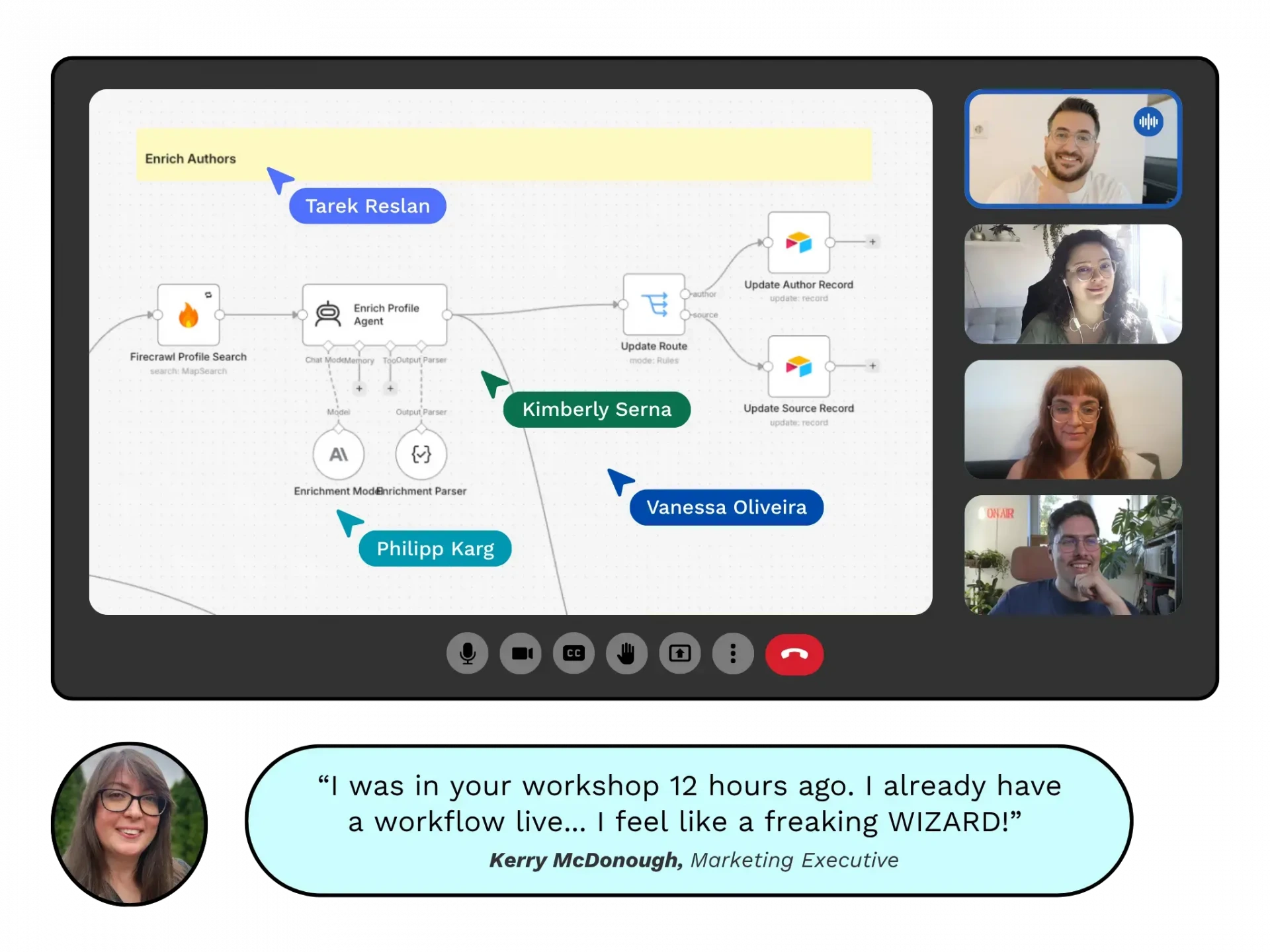
“I was in your workshop 12 hours ago. I already have a workflow live… I feel like a freaking WIZARD!”

Co-Founder, Feral MKT
“We’ve never used VS Code or Claude Code before. We’ve been running in AI-assisted mode only. This has changed the game entirely… Before the cohort, I was having issues with our chosen ICP, but the dossier exercise helped me nail it down fast.”

Creative Director, Feral MKT
“A brand brain built on what you can prove is smaller, but much sharper, and the voice guide finally reads like us because it’s measured from our real copy (which will change anyway), not from adjectives.”

CRO Manager | Insurtech
“It will make the review process with the agency lead very focused, since you have already pointed out the issues – I basically have a list of fixes for them already!”

Founder, Mesh Creative Studios
“Seeing that distinction mapped out has already made the business feel much more structured. It’s impressive how much clarity came out of only the second workshop.”
Build it on day 3 of the one-week sprint. The best demos are selected for expert feedback from Nick Christensen.
The next AI native cohort
One week. Three working workflows. Starts 10 November 2026.
Marketing Brain
One document every AI tool reads, so drafts start on brand.


Campaign engine
One brief in, a full campaign draft out, with sources you can check.

Reporting agent
A weekly summary of what changed and what to do next.

Build three AI native workflows you use at work, in a one-week sprint.
You build a marketing brain your AI draws from, a campaign engine that checks its own claims, and a weekly reporting agent.
Keep up with AI native marketing tactics and workflows.
Subscribe to our weekly newsletter.
We find and report on AI native marketing case studies, success stories, and playbooks that are working out there right now.
Subscribe to our weekly educational newsletter